For iPhone & iPad

Turn any photo into a PDF in seconds

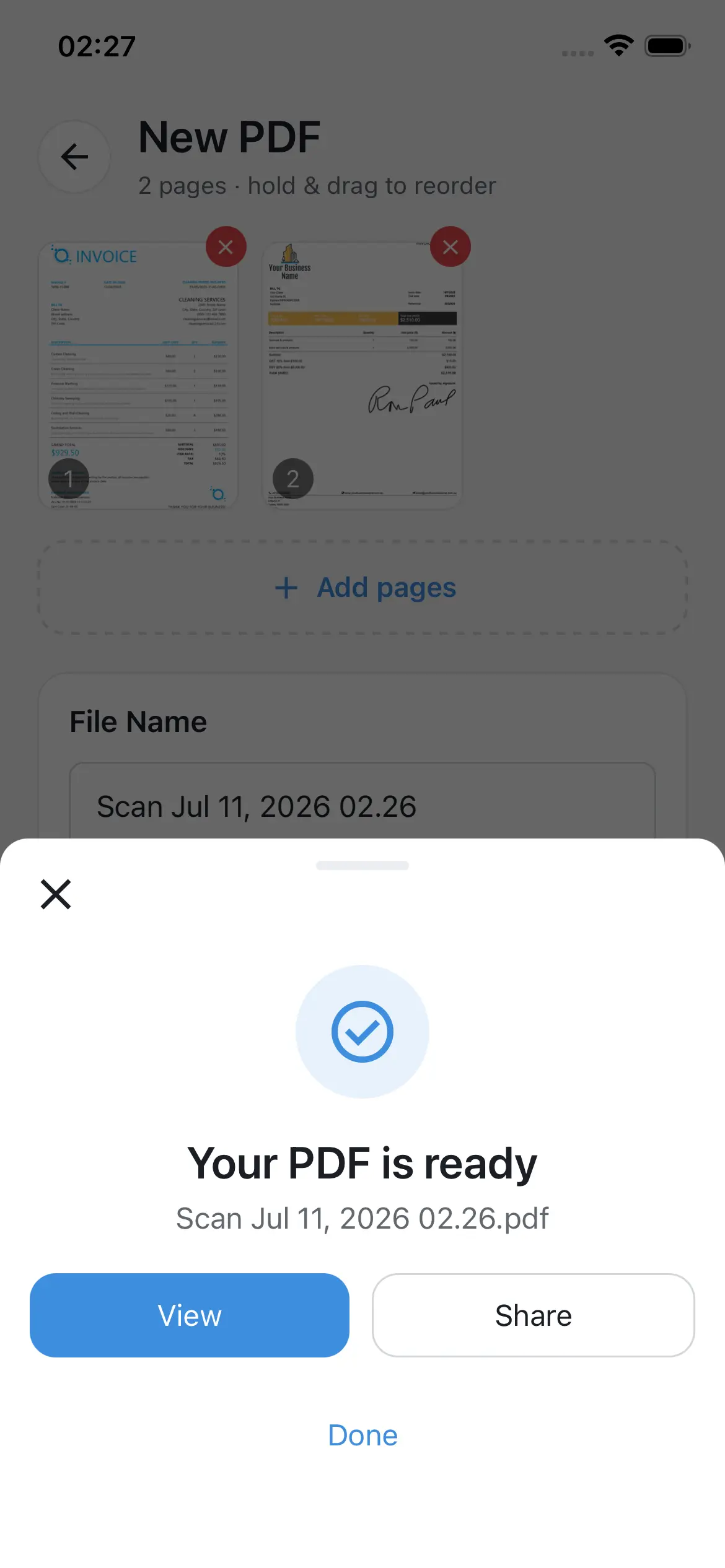
Scan receipts, documents, and notes with your camera or photo library, then reorder, name, and save them as a clean PDF - entirely on your device.

100% Offline No Account Needed Free to Download 19 Languages
Features

Everything you need, nothing you don't

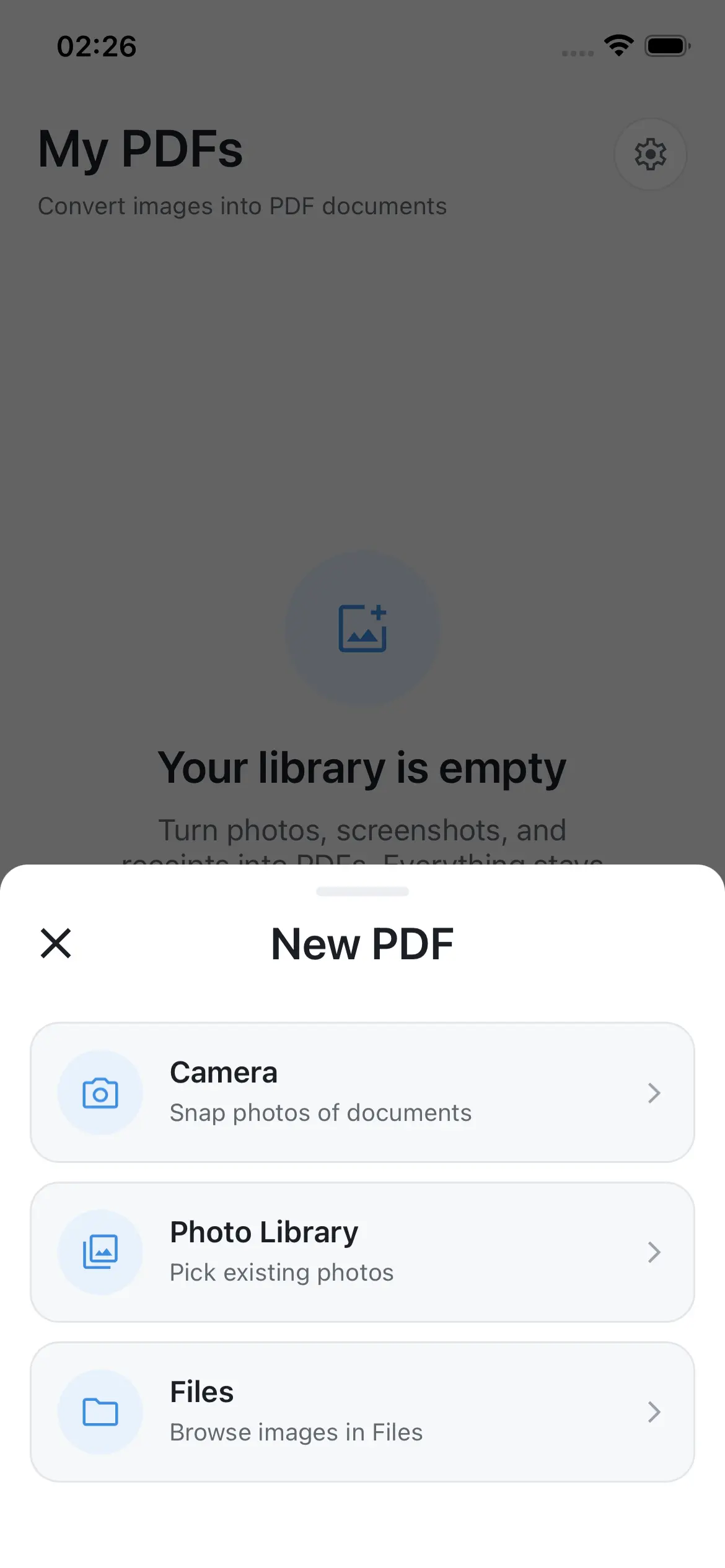
Scan with your camera or gallery

Scan with your camera or gallery

Snap a photo, pick existing pictures, or import files - Image to PDF turns any of them into a document in one tap.

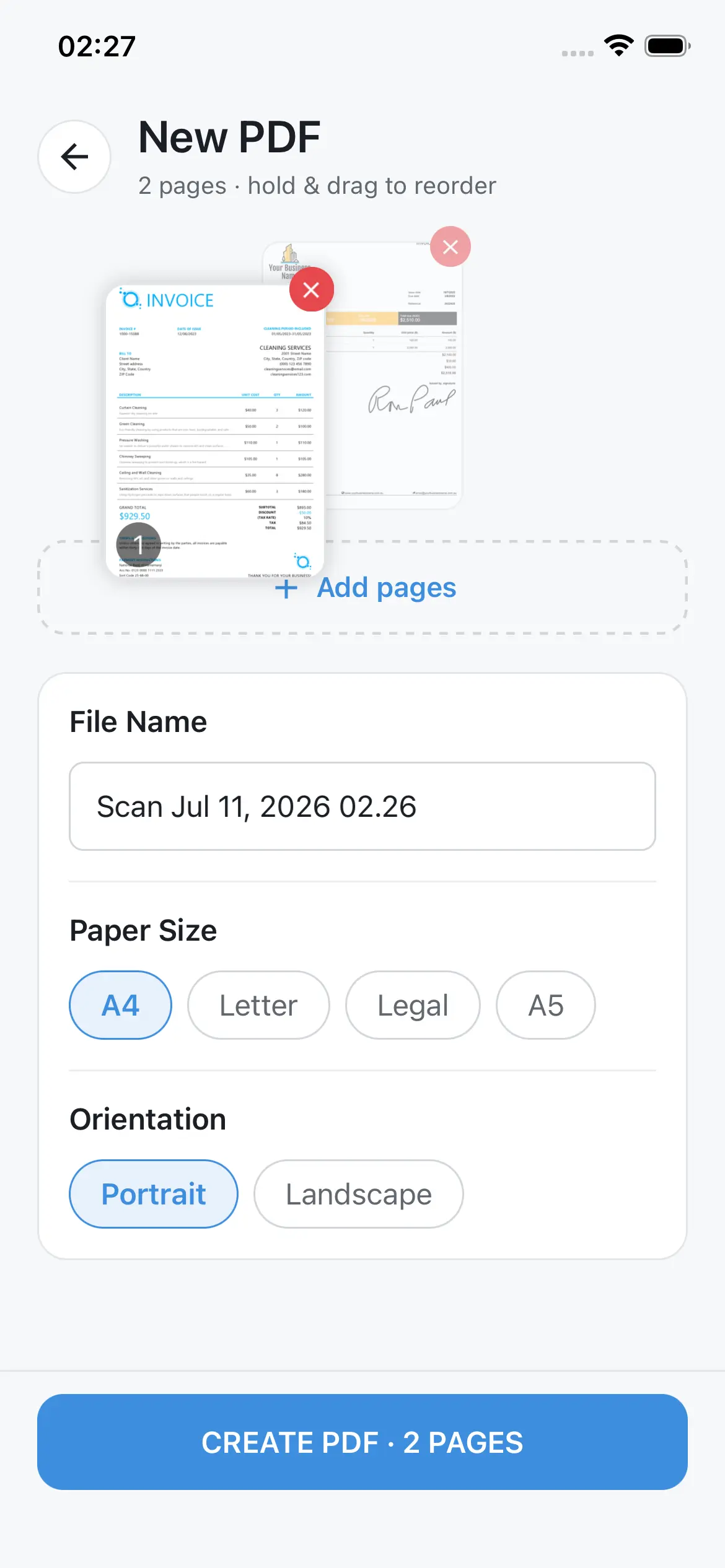
Reorder pages before you convert

Reorder pages before you convert

Hold and drag to put pages in the right order, drop the ones you don't need, and preview everything before creating your PDF.

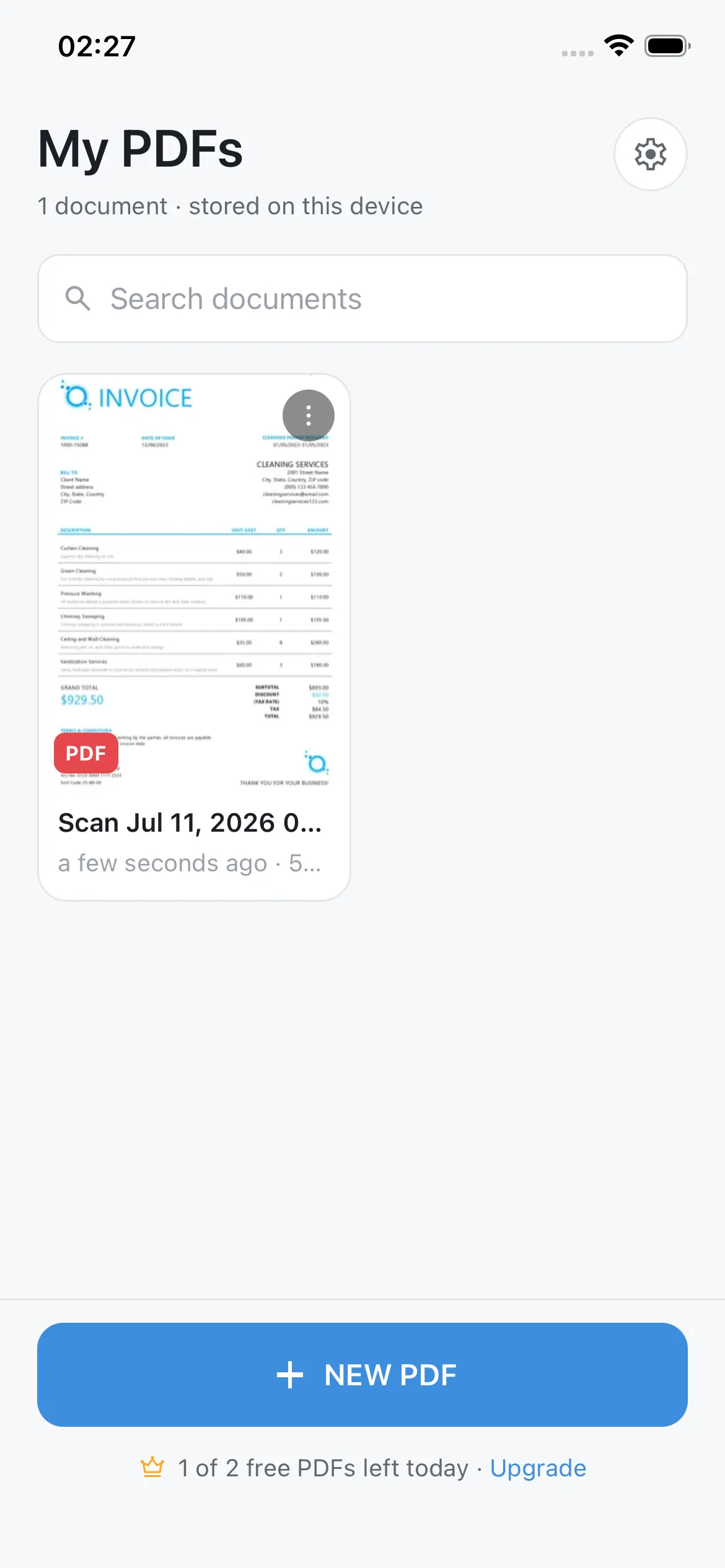
Your files, always at hand

Your files, always at hand

Every PDF you create is saved in a searchable library on your device, with instant thumbnails and quick access to rename, share, or delete.

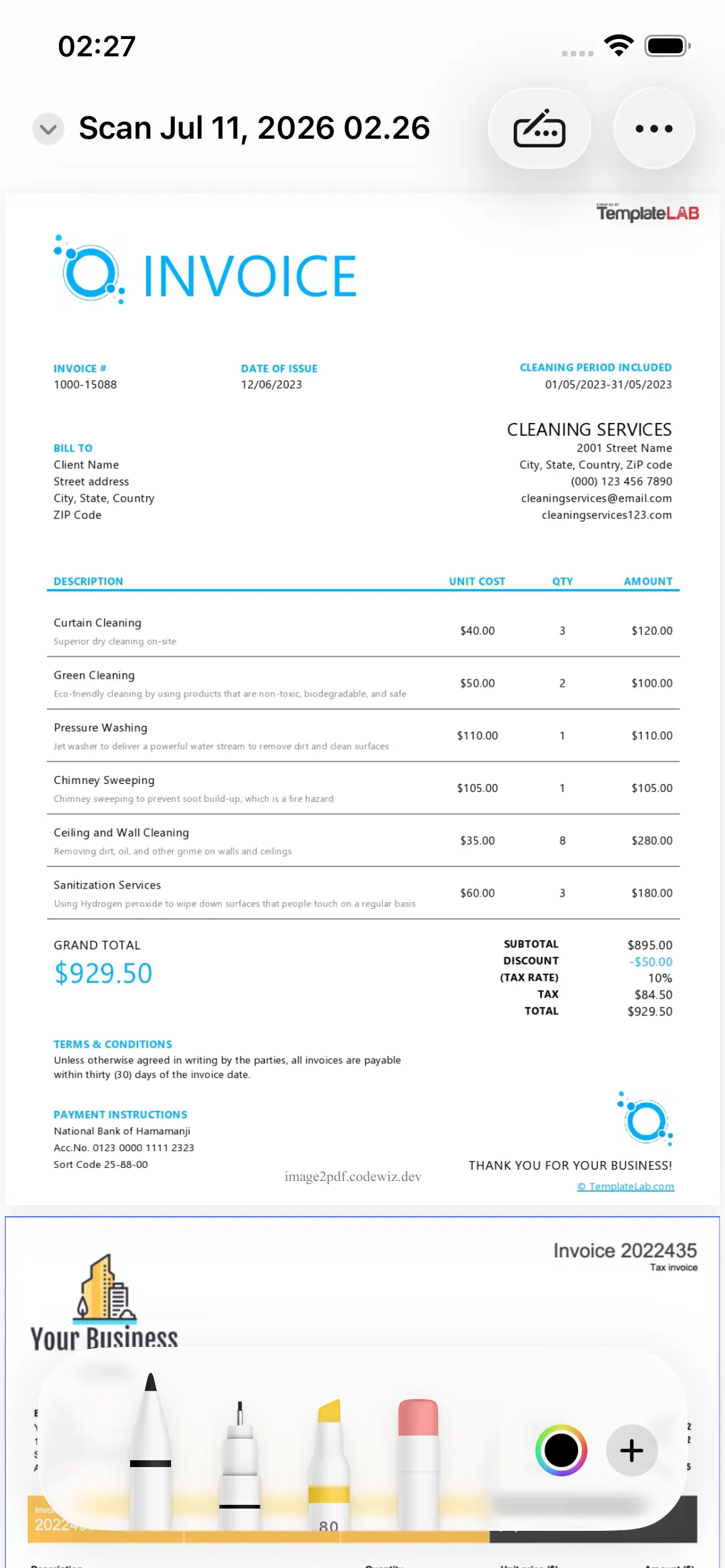
Markup and annotate natively

Markup and annotate natively

Open any PDF with Apple's built-in Markup tools to sign, highlight, and write notes directly on the page.

Save, lock, print, or share instantly

Save, lock, print, or share instantly

Export to Files, add a password, print, or share your PDF anywhere in one tap - no extra apps required.

Privacy first

Your documents never leave your device

Image to PDF works fully offline. Your photos and PDFs are processed and stored locally - we never upload, read, or sell your files. Read our full Privacy Policy.

Available worldwide

Image to PDF speaks your language

The app is fully translated into 19 languages, so you can scan and organize documents in the language you're most comfortable with.

FAQ

Frequently asked questions

Is Image to PDF free?

Yes. You can download the app and convert photos to PDF for free. A premium upgrade is planned for higher daily limits and removing the watermark.

Does the app work without an internet connection?

Yes, everything - scanning, converting, and viewing your PDFs - happens entirely on your device, even in airplane mode.

Do I need to create an account?

No account, no sign-up, and no personal information required. Just install the app and start converting.

What happens to my photos and PDFs?

They stay on your device at all times. Image to PDF never uploads, shares, or has access to your files. See our Privacy Policy for details.

Start converting photos to PDF today

Free to download. No account. No ads.

Download on the App Store